Dental print case desk

Send dental print cases without chasing files.

For practices and labs, order splints and models with scan files, model type, and production notes kept in one checkout record.

STL, PLY, DICOMAccepted at checkout
$69 splintsClear product path
MI, USAProduction support
Order by case type

Products that match real lab conversations.

Each path is tied to the files, notes, and production checks dental teams already use.

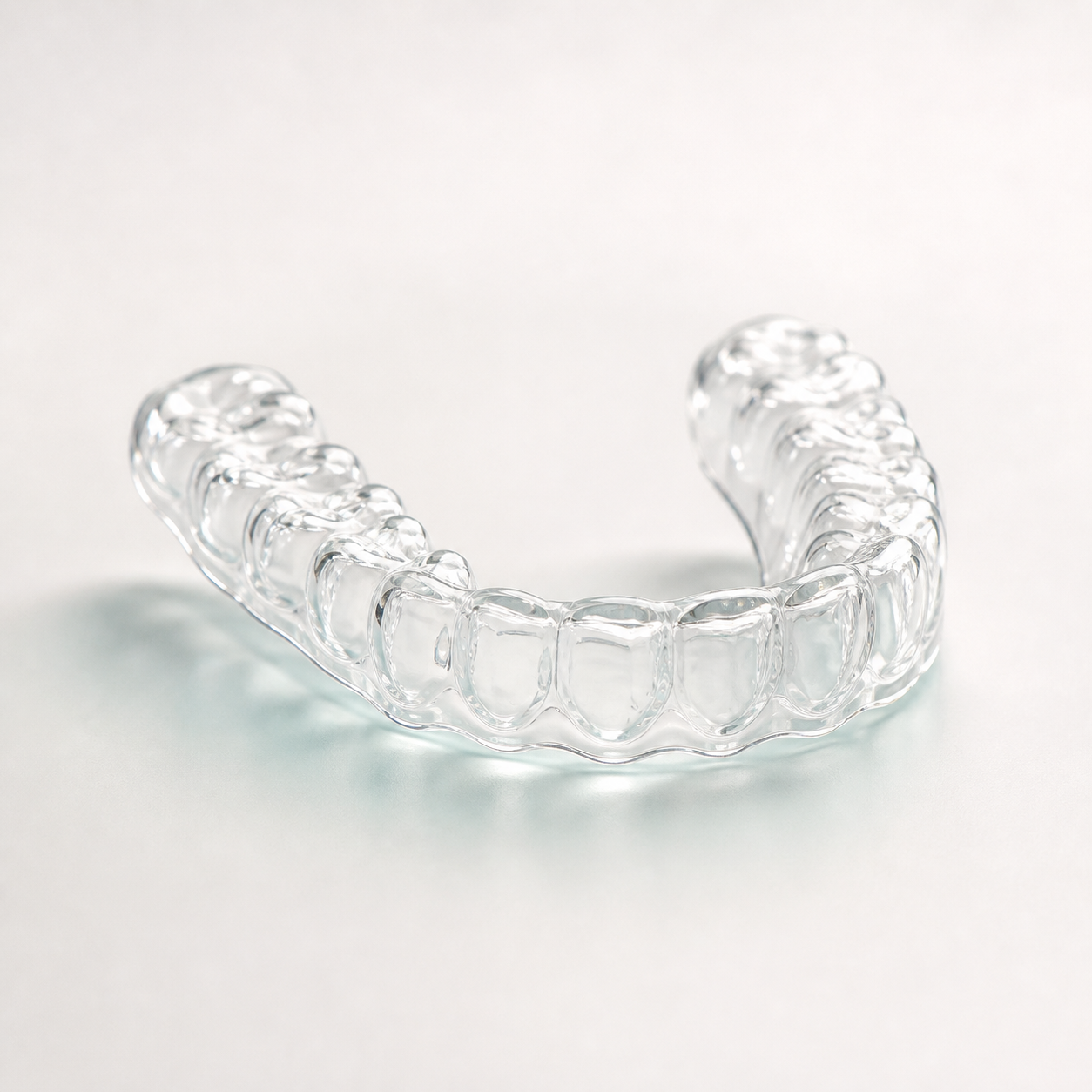
Clear dental splint product
NightguardOcclusal splintSTL scan

Splints

Printed splints for straightforward outsourced appliance production, with scan files and finish notes kept on the order.

Useful note to include: arch, thickness preference, bite record, and any edge or polish request.

$69

Order Splints
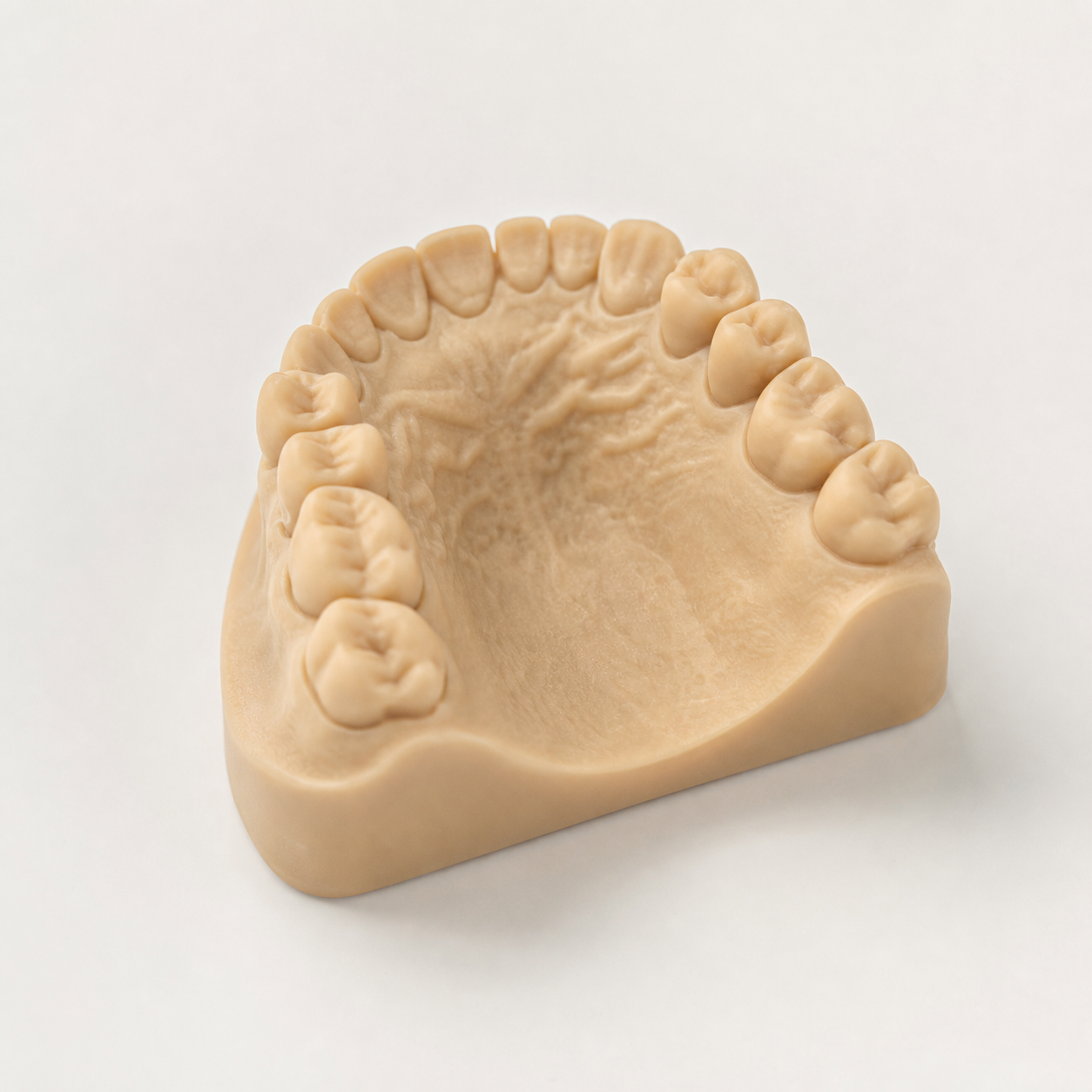
Printed dental model product
QuadrantFull archImplant

Dental Models

Choose quadrant, full arch, or implant model options before checkout, then attach the exact files the model needs.

Useful note to include: model type, hollow or solid preference, implant site, and labeling needs.

From $10

Order Models
Print queue clarity

A case handoff built like a lab work order.

A strong handoff reads like your production team works: product, scan files, model type, verification, and notes all visible at a glance.

Splint resin Model resin CBCT files Scanner export
  • Pick the splint or model product that matches the case.
  • Upload STL, PLY, OBJ, ZIP, DCM, or DICOM files at checkout.
  • Add notes so the production context stays with the files.
Case
TDPC-1042
upper_scan.stl, lower_scan.ply
File check
Case
TDPC-1043
mandibular_arch.stl
Print prep
Case
TDPC-1044
cbct_series.zip, implant_site.stl
Review
Before print

Built-in reminders for the checks that matter.

Bring these details to checkout so the print team can review the case without hunting through separate messages.

STL

Scan integrity

Send complete upper, lower, and bite files when the case needs the full relationship checked.

PLY

Model type

Call out quadrant, full arch, or implant needs so the model is set up correctly before production.

RX

Production notes

Add thickness, finish, remake context, labeling, or turnaround notes with the order.

Before you upload

Know what to send before the order is placed.

Which files can I upload?

Checkout accepts STL, PLY, OBJ, ZIP, DCM, and DICOM files. You can attach multiple files to keep the case together.

How do model options work?

Dental Models include quadrant, full arch, and implant options, so you can match the print to the case before checkout.

Where do production notes go?

Use the checkout notes field for arch, model type, turnaround needs, remake notes, or anything the production team should see.

What happens after checkout?

The order and files stay together. The case can be reviewed, then followed up with payment or production details.
Ready when your files are

Send the case details once and keep the handoff clean.

Choose the product, upload the files, and add notes in the same checkout flow.